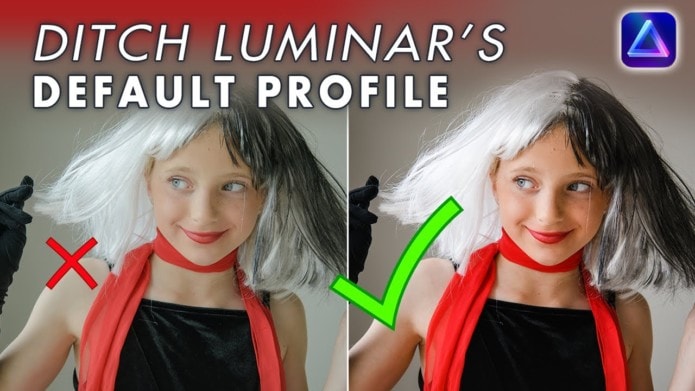
Download Adobe .DNG converter from https://helpx.adobe.com/nz/camera-raw… Check your camera is supported here: https://helpx.adobe.com/si/camera-raw…
The profiles will be stored here on
PC: C:\ProgramData\Adobe\CameraRaw\CameraProfiles\Camera
Mac: Mac location: Mac HD\Library\Application Support\Adobe\CameraRaw\Camera Profiles\Camera
Luminar Neo stores the custom camera profiles in the following paths:
mac\Users\USERNAME\Library\Group Containers\RTW788AXG3.com.skylum.luminarneo\CameraProfiles.
windows C:\Users\USERNAME\AppData\Roaming\Luminar Neo\Data\CameraProfiles
That’s where you need to paste your camera matching .dcp files Add camera matching profiles to get the best colour accuracy and contrast in Luminar NEO.