If you want to host your own video and add it to WordPress then you can check Bunny.net Stream Service. This is relatively a new service that allows you to host your videos on their CDN network. Bunny.net will handle transcoding, storage, security & a video player for you.
How To Add Videos To WordPress With Bunny.net Stream Service
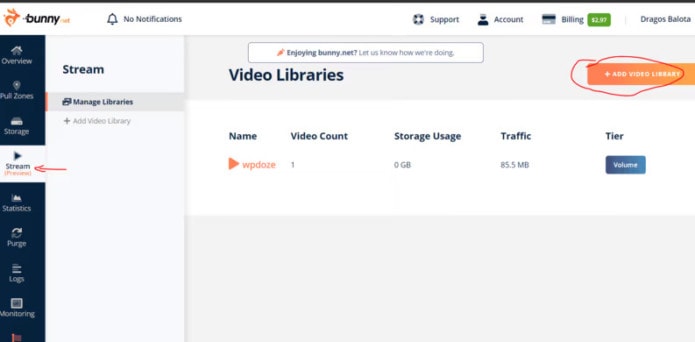
1.Create a Video Library
You just go to Stream and hit Add Video Library

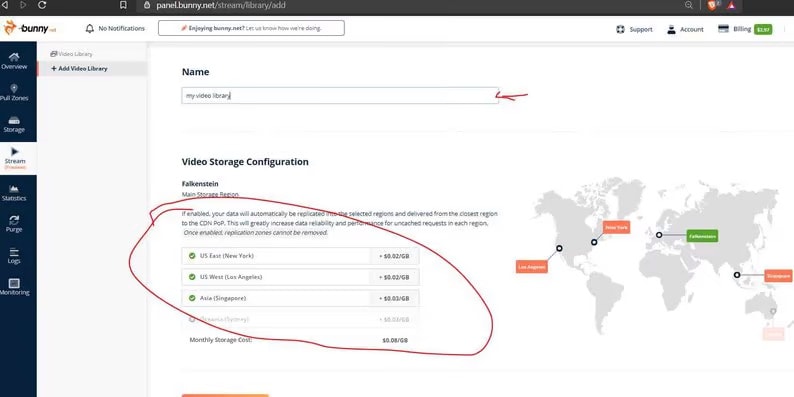
2. Choose Video Storage Locations
Choose the location where the videos will be replicated, by default is EU Frankfurt for me, and I can replicate the videos in the US (2 data centers) Singapore, and Sydney.
3. Create a Collection and Upload a Video
You need to create a collection next where the videos will go. Is like a category, after you hit upload video just as for YouTube.
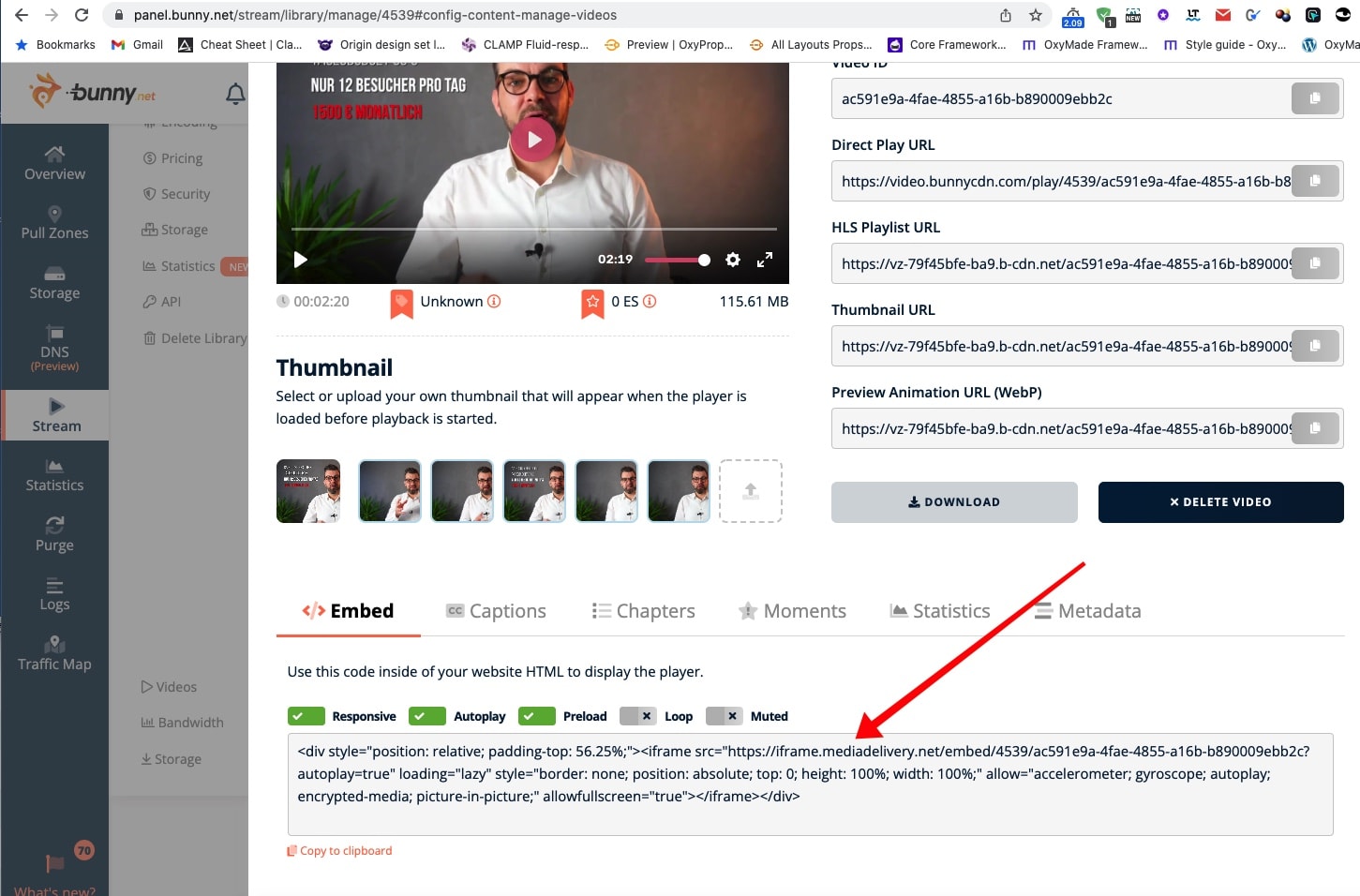
4. Video Settings
After your video is uploaded you are sent to a video options screen where you can change the Title, add a thumbnail, and get the embed code. („Responsive“ nicht anhaken, ansonsten wird der Videoplayer-Div zu hoch)
5. Insert the video on your WordPress Website
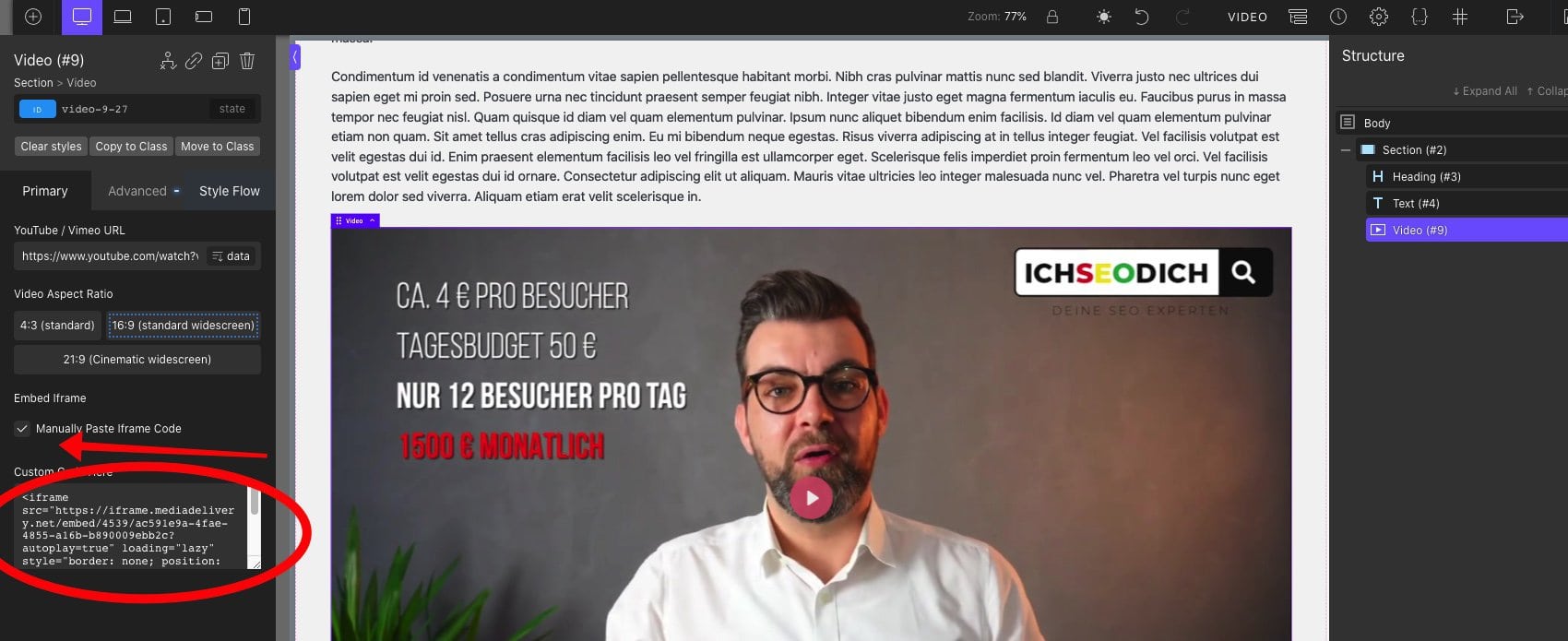
Den Embed-Code (ab <iframe src….>) in den normalen Video-Player von Oxygen einfügen. Dazu „Manual Paste iframe Code“ anhaken!!!!!