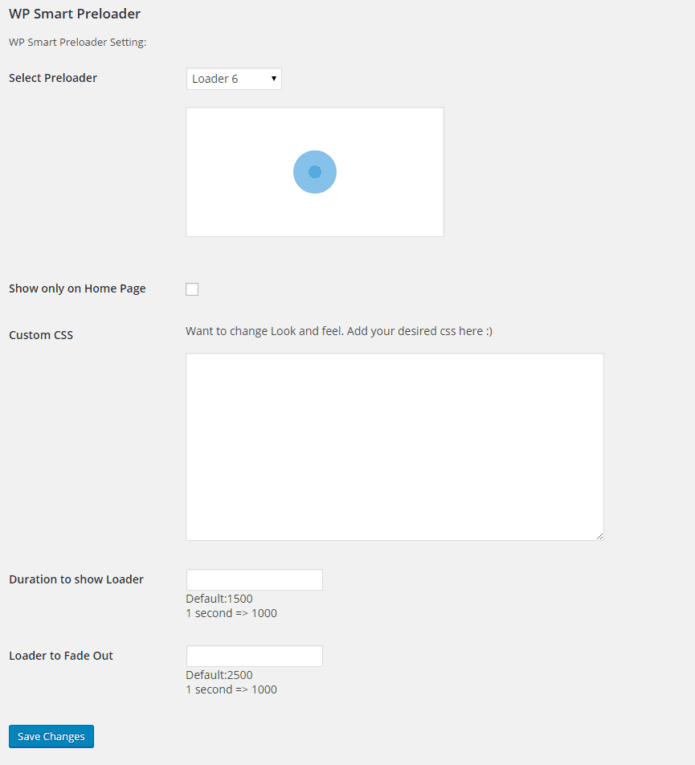
I downloaded WP Smart Preloader a while ago and like how it works and how easy it is to use. In the past, I have only used it for loading the home page, but now I have optimized my site in a way that it isn’t needed for the home page anymore.
I want to only display the preloader when the user opens a specific page on the site. In short, I only want the preloader to display when the user opens up the portfolio page (because of the images loading in).
I’ve found some solution to this problem. Just enable preloader on all pages, hide it on all of them and show only on specific.
In CSS insert (in WP Smart Preloader) the following
/*Preloader ueberall verbergen*/
.page .smart-page-loader,
.single .smart-page-loader {
  display: none;
}
/*Preloader auf bestimmten Seiten anzeigen*/
.home .smart-page-loader,
.page.page-id-417 .smart-page-loader,
.single.postid-83 .smart-page-loader {
  display: block;
}
This code will show preloader only on home page, page with id = 417 and post id = 83 (eg example.com/?p=417 and example.com/?p=83).