
If you want random post display you can use ‚Manual‘ option in Repeater/Easy.
Repeater or Easy Posts > Query > Manual
Use below code
1 | post_type=archive&posts_per_page=4&no_found_rows=true&orderby=rand |
1 | author_name=admin&category_name=catalogue&posts_per_page=4&orderby=rand |
If you are using ACF you can use your category, by changing as below…
post_type=post&posts_per_page=3…
to
post_type=YOURCATEGORY&posts_per_page=3…
Remove pagination for Repeater Queries in Oxygen Builder
Description
The Repeater component in Oxygen Builder shows pagination out of the box when the WP Query type is set to custom with a fixed number of Posts per page for the Count (provided of course there are more entries to be shown).
Let’s take this example where we set 5 entries of a portfolio CPT (Custom Post Type) to be shown:
Custom configuration
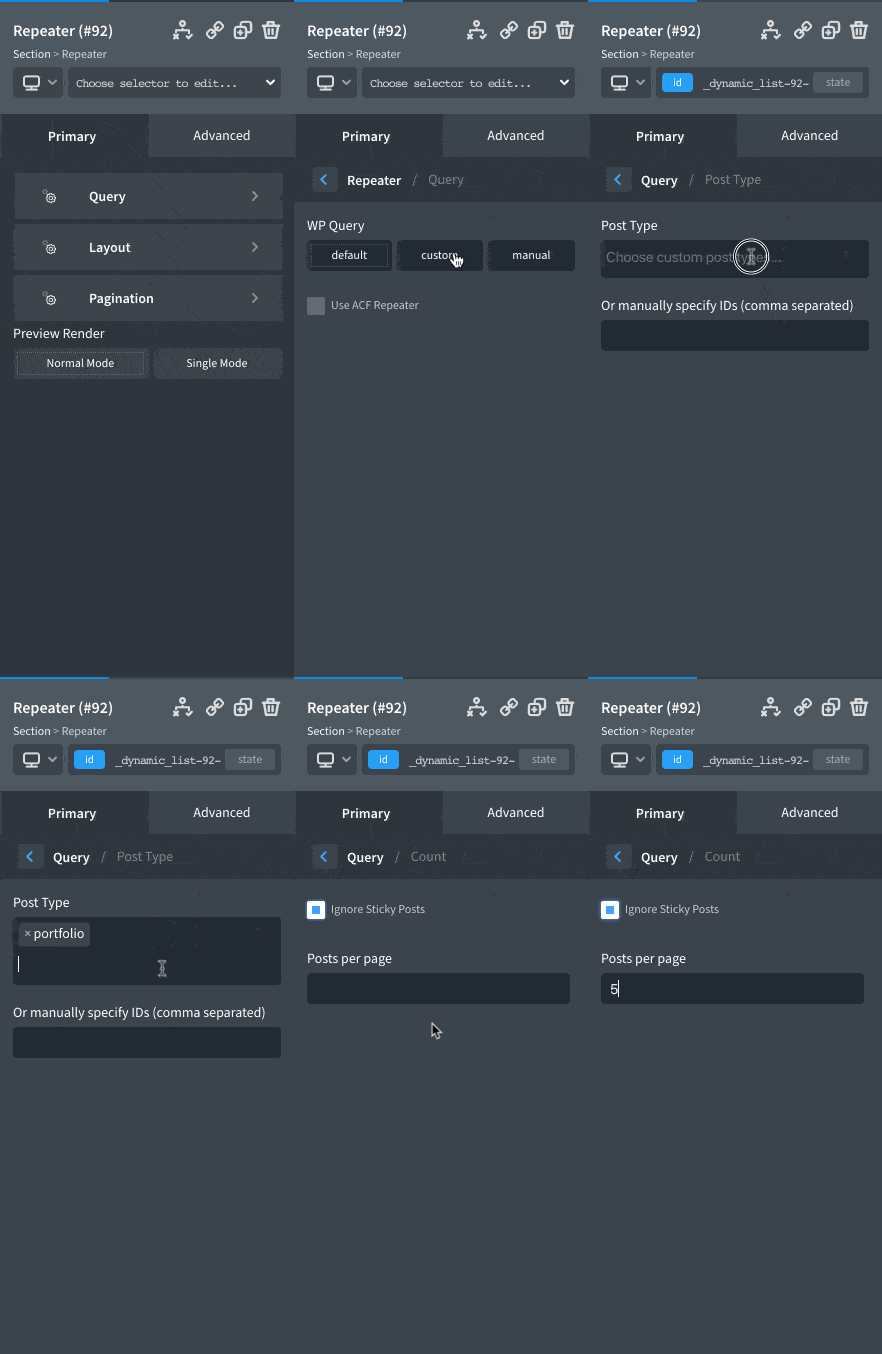
Sample output on the frontend (with the entry title added inside the Repeater Div
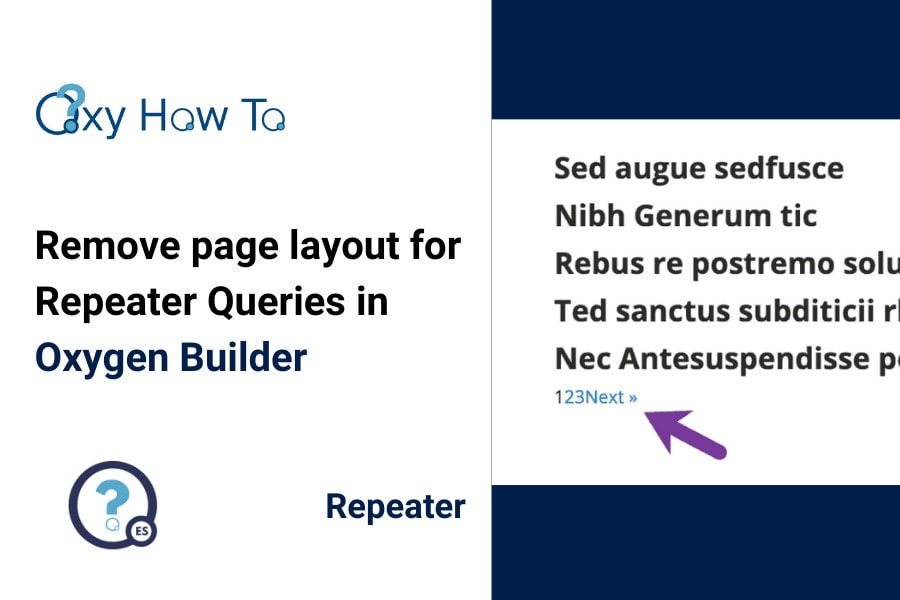
Let’s say the requirement is to show only 5 posts without the pagination.
To remove the pagination, display can be set to none in the CSS. But there is a better way than hiding stuff under the carpet.
Change the Query type to manual and append &no_found_rows=true to the Query Params.
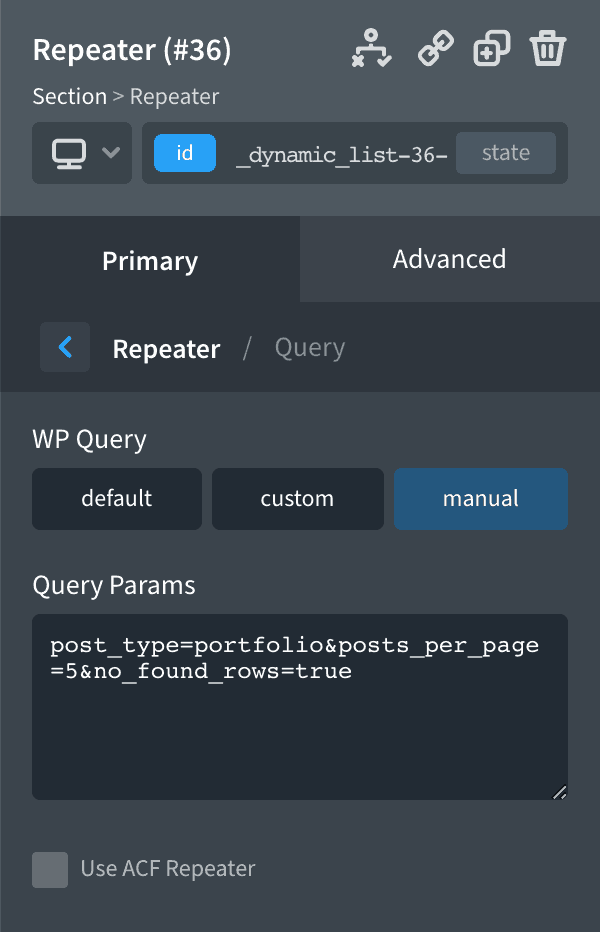

Code
post_type=portfolio&posts_per_page=5&no_found_rows=true
MN:
author_name=ruut&category_name=news&posts_per_page=2&orderby=rand&no_found_rows=true